PhotoScape: An intuitive image editing tool
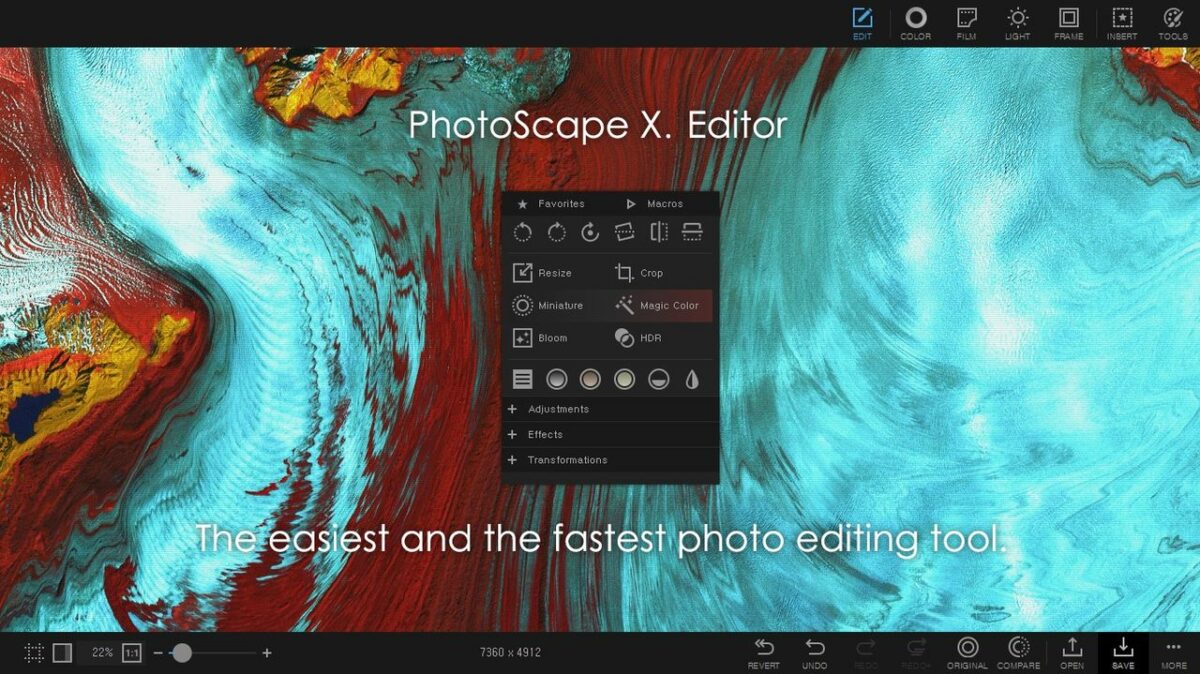
PhotoScape, developed by MOOII Tech, is a free photo editing program designed to make editing photos fun and easy. It offers a wide range of tools, including viewing, editing, combining, and enhancing images, all accessible through a simple and user-friendly interface. With features like batch editing, animated GIF creation, RAW conversion, and various print options, this multimedia app provides practical solutions for everyday photo management and creativity.
Top Recommended Alternative

Enhanced editing capabilities
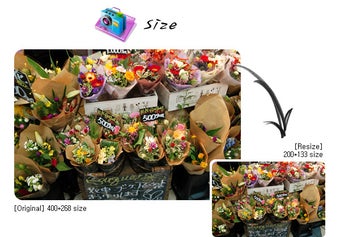
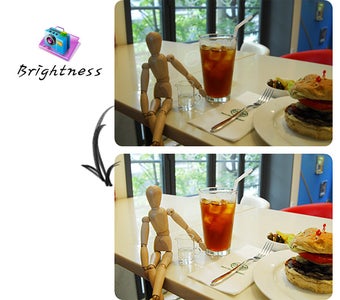
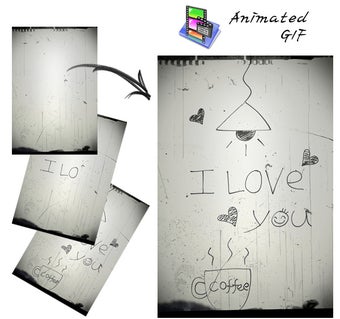
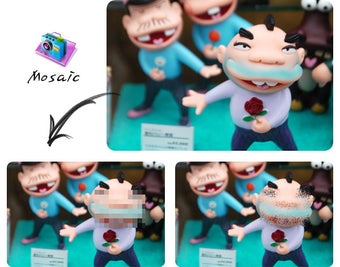
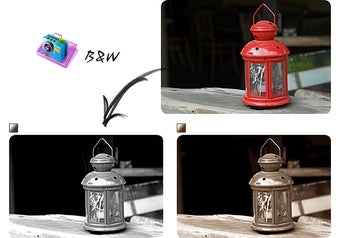
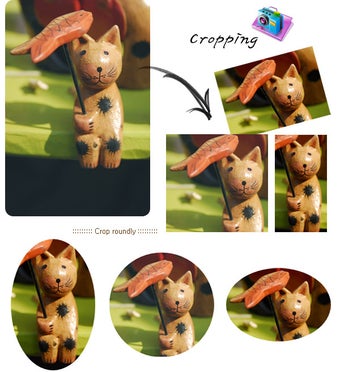
PhotoScape provides a variety of editing tools, enabling users to adjust brightness, contrast, and color. The software also includes options for cropping, resizing, and rotating images. It features a RAW Converter that allows users to convert RAW files to JPG. For creative projects, the program offers functions to add text, frames, and borders, as well as create animated GIFs. However, it lacks the advanced features found in professional-grade editing software.
Efficiency through batch processing
PhotoScape includes a Batch Editor that enables users to apply the same edits to multiple photos at once. This feature is especially useful for handling large sets of images, saving time compared to editing each one individually. By automating repetitive adjustments such as resizing, brightness, or color correction, the Batch Editor makes it easier to manage collections of photographs efficiently.
Expanded creative filters and effects
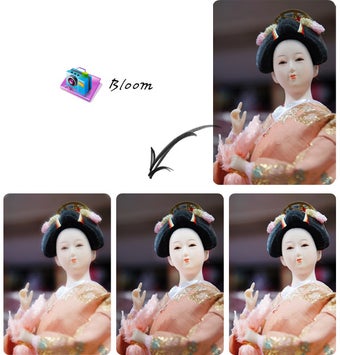
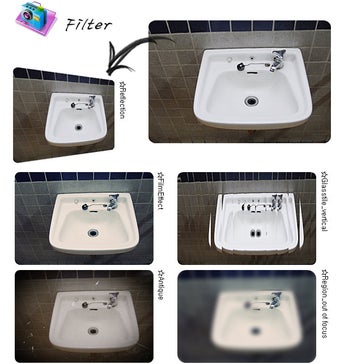
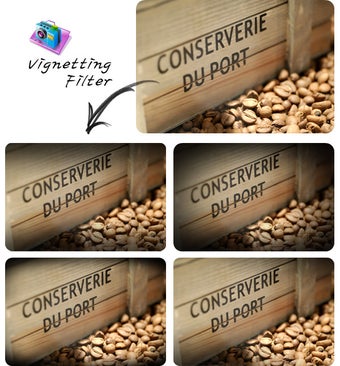
Recent versions of PhotoScape X, the modern evolution of the original PhotoScape software, introduced a broader collection of creative filters, film effects, and enhancement presets for faster image customization. Users can now apply stylish overlays, light leaks, blur effects, and color grading tools with minimal effort, making casual photo editing more visually appealing without requiring advanced technical knowledge. These additions help photographers and social media creators quickly produce polished images suitable for online sharing and personal projects.
Improved collage and design features
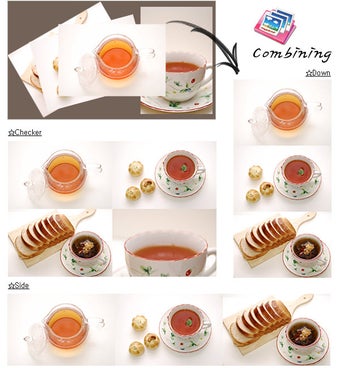
PhotoScape has also enhanced its collage-making and layout capabilities with newer templates and customization tools. Updated collage functions allow users to combine multiple photos into organized grids, scrapbook-style layouts, and themed templates more efficiently. Alongside this, the software’s Merge and Combine tools now support smoother spacing adjustments, background customization, and flexible resizing options, making it easier to create posters, albums, banners, and creative photo presentations.
Better performance and file compatibility
Ongoing updates have improved performance optimization and compatibility with newer image formats and higher-resolution files. PhotoScape now handles large images more smoothly while offering better support for modern cameras and RAW photo formats. Faster loading times and more stable batch-processing tools also help users manage extensive image collections more efficiently, especially when resizing or converting multiple files simultaneously. These refinements strengthen PhotoScape’s role as a lightweight yet capable editing solution for everyday use.
User-friendly tools
One of PhotoScape’s biggest strengths continues to be its approachable design. Unlike many professional editing suites that can feel overwhelming, PhotoScape maintains a simple and beginner-friendly interface where tools remain easy to locate and understand. Features like one-click enhancements, intuitive sliders, and preview windows make editing accessible for users who want quick results without spending hours learning advanced workflows. This balance between simplicity and functionality helps the program appeal to students, hobbyists, and casual photographers alike.
A dependable editor
PhotoScape continues to stand out as a lightweight yet feature-rich image editing tool that combines accessibility, creative flexibility, and practical batch-processing utilities into one convenient package. Its expanding set of effects, improved performance, and easy-to-use interface make it a reliable option for users who want to organize, enhance, and personalize photos without the complexity of professional-grade editing software. While it may not replace advanced editors for high-end production work, PhotoScape remains an excellent solution for everyday creativity and efficient photo management.
Simple tools for everyday photo editing
In conclusion, PhotoScape is a commendable choice for individuals wanting a reliable and effective image editing tool. It provides a wide range of practical features, from basic adjustments to batch processing and animated GIF creation. While it does not include the advanced capabilities of professional programs such as Photoshop, this program remains an accessible option for everyday photo viewing, editing, and creative projects.