PhotoScape: An intuitive image editing tool
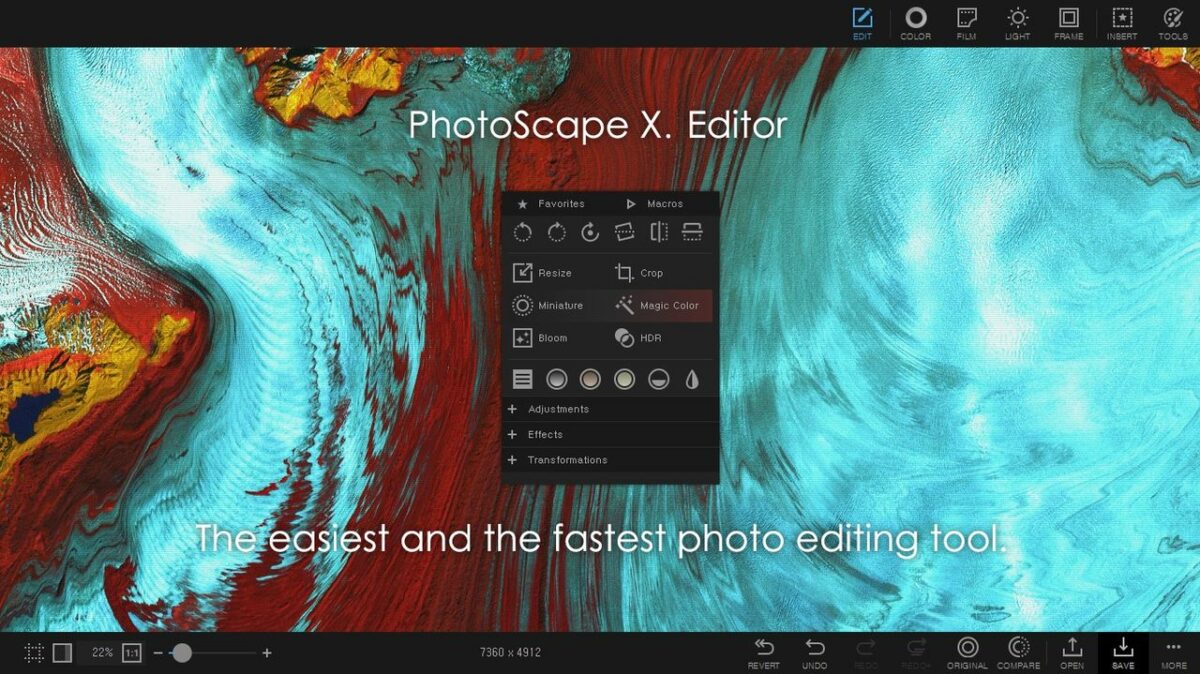
PhotoScape, developed by MOOII Tech, is a free photo editing program designed to make editing photos fun and easy. It offers a wide range of tools including viewing, editing, combining, and enhancing images, all accessible through a simple and user-friendly interface. With features like batch editing, animated GIF creation, RAW conversion, and various print options, PhotoScape provides practical solutions for everyday photo management and creativity.
Top Recommended Alternative

Enhanced editing capabilities
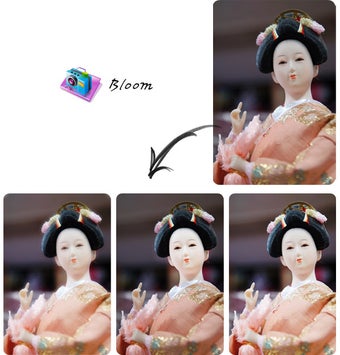
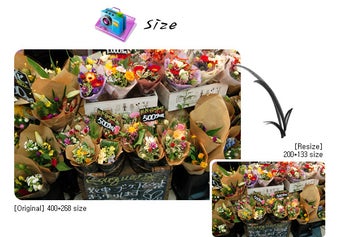
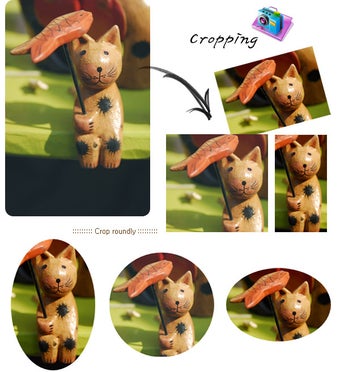
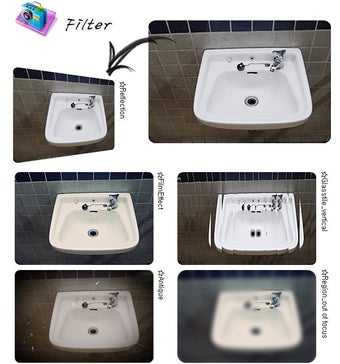
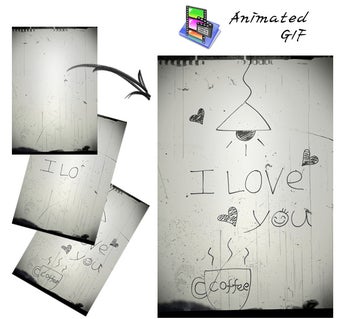
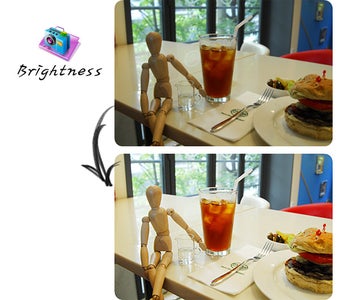
PhotoScape provides a variety of editing tools, enabling users to adjust brightness, contrast, and color. The software also includes options for cropping, resizing, and rotating images. It features a RAW Converter that allows users to convert RAW files to JPG. For creative projects, the program offers functions to add text, frames, and borders, as well as create animated GIFs. However, it lacks the advanced features found in professional-grade editing software.
Efficiency through batch processing
PhotoScape includes a Batch Editor that enables users to apply the same edits to multiple photos at once. This feature is especially useful for handling large sets of images, saving time compared to editing each one individually. By automating repetitive adjustments such as resizing, brightness, or color correction, the Batch Editor makes it easier to manage collections of photographs efficiently.
Simple tools for everyday photo editing
In conclusion, PhotoScape is a commendable choice for individuals wanting a reliable and effective image editing tool. It provides a wide range of practical features, from basic adjustments to batch processing and animated GIF creation. While it does not include the advanced capabilities of professional programs such as Photoshop, this program remains an accessible option for everyday photo viewing, editing, and creative projects.





















.png)